As your business grows, your marketing naturally becomes more demanding. There’s more content to post, more messages to respond to, more leads to follow up on, and more results to keep track of.
At this point, it makes sense to hire a marketing assistant to help handle these day-to-day tasks so your marketing stays active and organised. To do this well, they rely on different tools that make the work faster, easier, and more consistent.
Understanding these tools helps you see how a marketing assistant actually supports your business behind the scenes.
In this article, we’ll walk through the main tools marketing assistants use and how they help keep your marketing running smoothly.
Creation and Design Tools
Marketing assistants spend a lot of time creating visuals and content that grab attention, like social media graphics, reel covers, carousels, youtube thumbnails and email newsletters. So they need tools that let them design quickly without being experts in graphic design.
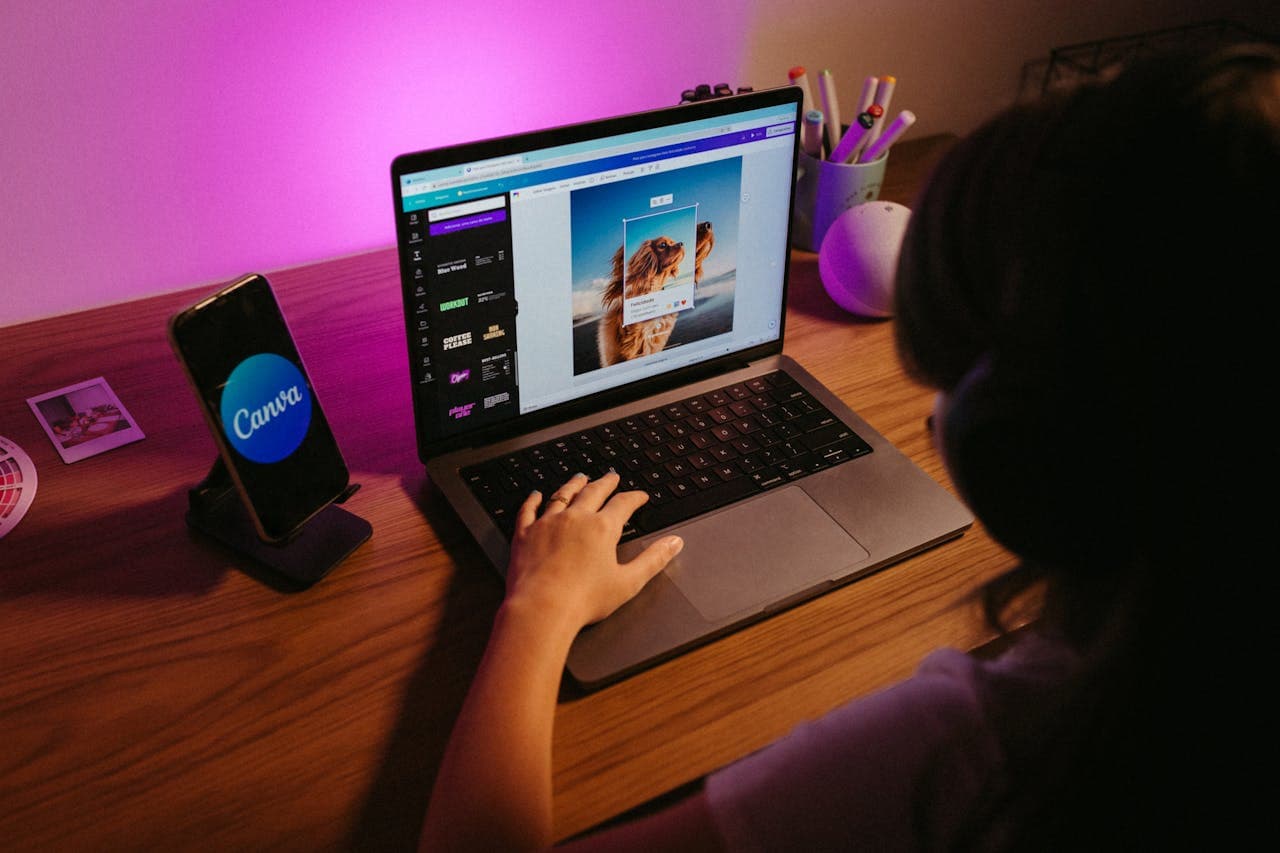
Canva is a popular design tool because it's very simple to use. Assistants can drag and drop elements, pick from thousands of professional templates tailored for different purposes, like Instagram stories or carousels or flyers and export ready-to-use files in minutes.
Adobe Express works if you have more advanced needs. It offers AI-powered designs and animations, automatic image resizing for different platforms, figma for team collaborations, where multiple people edit the same design file in real time.
These tools help your marketing assistant deliver designs with speed, consistency and flexibility without needing a graphics designer. If there’s a last-minute promotion, a trending topic you want to jump on, or an announcement that needs to go out immediately, your marketing assistant can create and publish without delay.
Social Media Scheduling Tools
Once content has been created, the next step is getting it in front of your audience consistently.
Tools like Hootsuite allow marketing assistants to plan and schedule posts across platforms like Instagram, Facebook, LinkedIn, and Twitter from one dashboard. So, instead of logging in and out of different apps, everything is handled in one place.
Buffer is another commonly used tool that makes it easy to queue up posts, maintain a consistent posting schedule, and track basic performance metrics.
For more advanced automation and team collaboration, tools like Sprout Social offer features like message management, detailed analytics, and approval workflows.
These tools help ensure your content goes out at the right time, so your marketing assistant can schedule content in batches for the week or month, schedule everything in advance, and still make room for impromptu posts when needed.
Email Marketing Tools
Email remains one of the most reliable ways to stay connected with your audience. Whether it’s sending newsletters, promotions, or follow-ups, marketing assistants use email tools to manage communication at scale without losing the personal touch.
Mailchimp is widely used for creating and sending emails. It comes with ready-made templates, drag-and-drop builders, and audience segmentation features. This allows assistants to send targeted messages to different groups, such as new subscribers, returning customers, or inactive leads.
Another option is ConvertKit, which is especially useful for businesses focused on content, digital products, or personal brands. It makes it easy to set up automated email sequences, like welcome emails or nurture campaigns.
With HubSpot, you are able to combine email marketing with customer relationship management, which means your marketing assistant can track how leads interact with your emails and tailor future communication based on their behaviour.
SEO and Content Research Tools
Marketing assistants use SEO and research tools to make sure your content is aligned with what your prospects are searching for.
Ubersuggest helps assistants find keywords people are actively searching for, along with insights on competition and traffic. This makes it easier to create blog posts, website content, or social media captions that are more likely to be discovered.
Google Trends is useful for spotting what topics are currently gaining attention. If there’s a spike in interest around a particular topic, your assistant can quickly create content that taps into that momentum.
SEMrush and Ahrefs provide detailed data on keywords, backlinks, and competitor strategies. This way your business stays competitive and makes informed content decisions.
Analytics and Reporting Tools
Marketing without tracking results makes it difficult to know what’s working and what needs improvement.
Google Analytics is one of the most important tools for understanding how people interact with your website. It shows where your visitors are coming from, what pages they’re viewing, and how long they’re staying.
For social media insights, most platforms have built-in analytics, but tools like Meta Business Suite provide a more centralised view of performance across Facebook and Instagram.
Assistants may also use Microsoft Excel or Google Sheets to organise and present data in a simple, easy-to-understand format, especially when preparing weekly or monthly reports.
Project Management and Communication Tools
Marketing assistants often juggle multiple tasks at once, so they use project management tools to keep everything on track.
Trello is a simple and visual way to organise tasks using boards and cards. It’s great for content planning, allowing assistants to map out ideas, drafts, and published posts in one place.
Asana offers more structured workflows, with timelines, task assignments, and progress tracking. This is useful when working with a team or managing larger campaigns.
For communication, tools like Slack make it easy to communicate and stay connected without relying on long email threads. Quick updates, file sharing, and real-time discussions all happen in one place.
Conclusion
A marketing assistant’s role is to take the weight of daily marketing tasks off your shoulders. To do that effectively, they need a set of tools that allow them to be consistent and organized.
While you don't need to know how to use every one of these tools yourself, understanding what they do helps you manage your assistant better. When they have the right tools, they can handle the design, scheduling, and tracking that keeps your marketing running smoothly in the background, leaving you free to focus on growing the business.